Airport Smart Management System
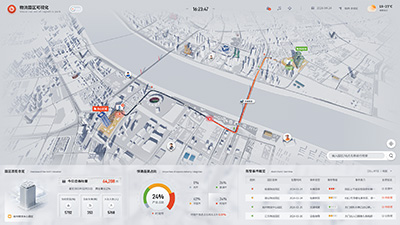
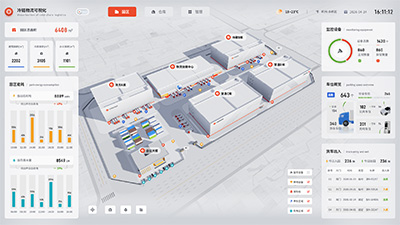
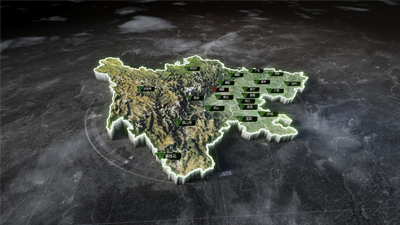
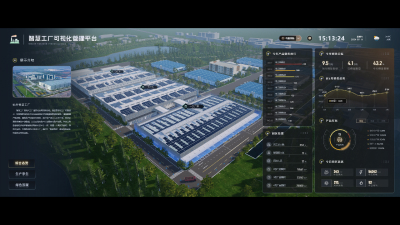
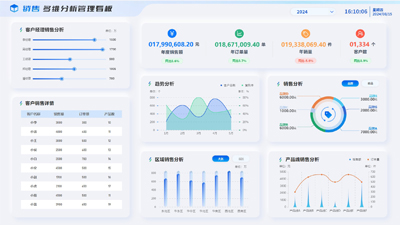
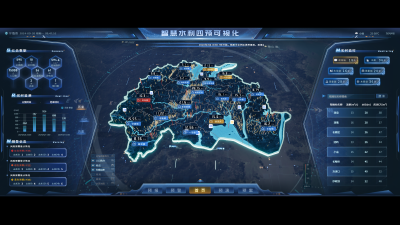
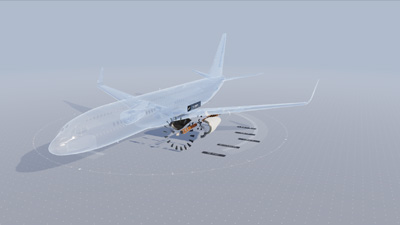
This Dashboard is themed around an airport, showcasing overall airport data, passenger traffic data, abnormal data, and the security system. The airport overview interface on this Dashboard consists of weather components, indicator cards, ring charts, and table components, mainly displaying the status of flights within the airport, current weather conditions, aircraft arrivals and departures, and the real-time situation of various areas. The area markers on the 3D map are controlled by two buttons: 'Inside Airport Area' and 'Outside Airport Area,' allowing a clickable perspective-switching effect. The second page is passenger and cargo traffic analysis. This page is composed of tables, indicator cards, line charts, and a map of China, mainly showing passenger and cargo traffic within the airport. The 3D map part is represented as a heat map to display the distribution of people within the airport. The third page covers abnormal situations, mainly showing abnormal data of aircraft at this airport, such as delays, flight conditions, and flight incidents. It primarily uses ring charts, multi-line texts, scatter plots, and other components, with the 3D map part providing a popup effect when markers are clicked. The last page is the security system, composed of indicator cards, tables, and video components. In the 3D model section, only monitoring markers are displayed.
Author: Wings Engine
Ratio: 16:9
Size: 108.02MB
Updated: 2025-01-25
Notes:
1. Plan-only templates work only while the plan is active. After expiry, the project can no longer be used.
2. If you copy content from a plan-only template into another project, that project also needs the same plan.
 Desktop Client
Edit locally
Local & secure
No browser limits
Switch to LAN SaaS
 Download Client