Loading video...

[Function Demonstration] Change Row Color in Table Based on Conditions

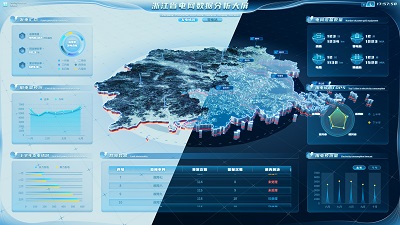
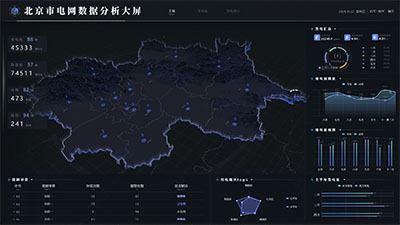
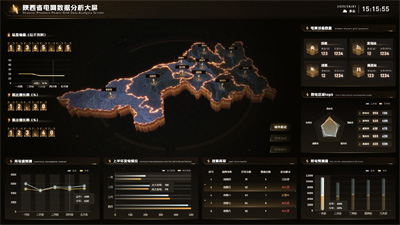
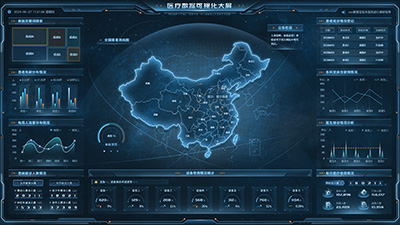
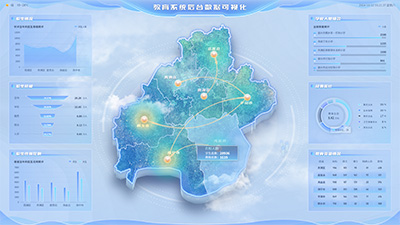
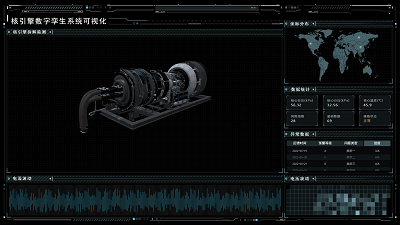
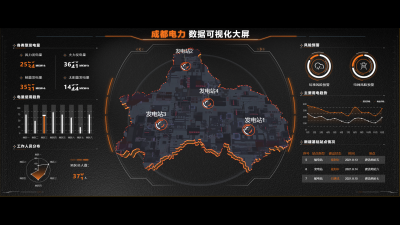
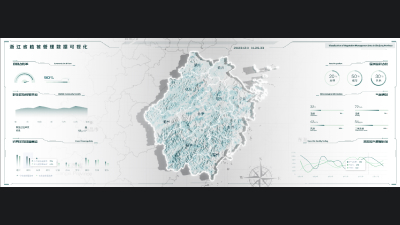
Data conditions are usually used for multi-state switching of components or conditional formatting of component properties. This table can change the color of a row based on the settings of the data conditions, making the visualization of the data more intuitive and allowing users to more quickly identify and understand the information in the table.
Author: Wings Engine
Ratio: 16:9
Size: 0.08MB
Updated: 2025-09-19

Notes:

1. Plan-only templates work only while the plan is active. After expiry, the project can no longer be used.

2. If you copy content from a plan-only template into another project, that project also needs the same plan.

Desktop Client
Edit locally Local & secure No browser limits Switch to LAN SaaS
Download Client