Loading video...

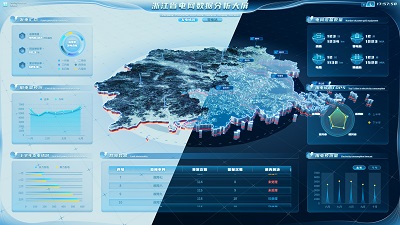
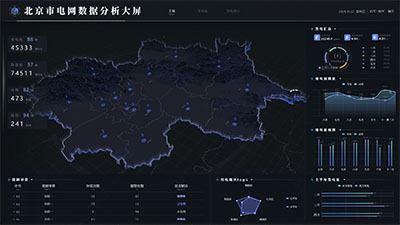
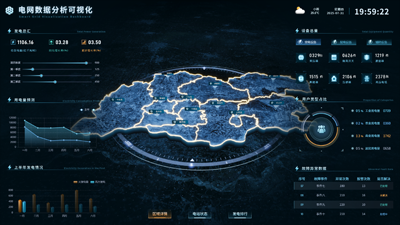
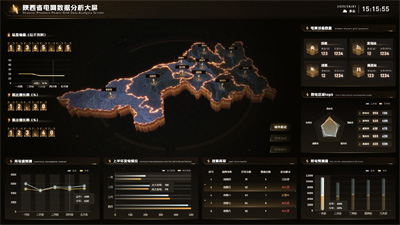
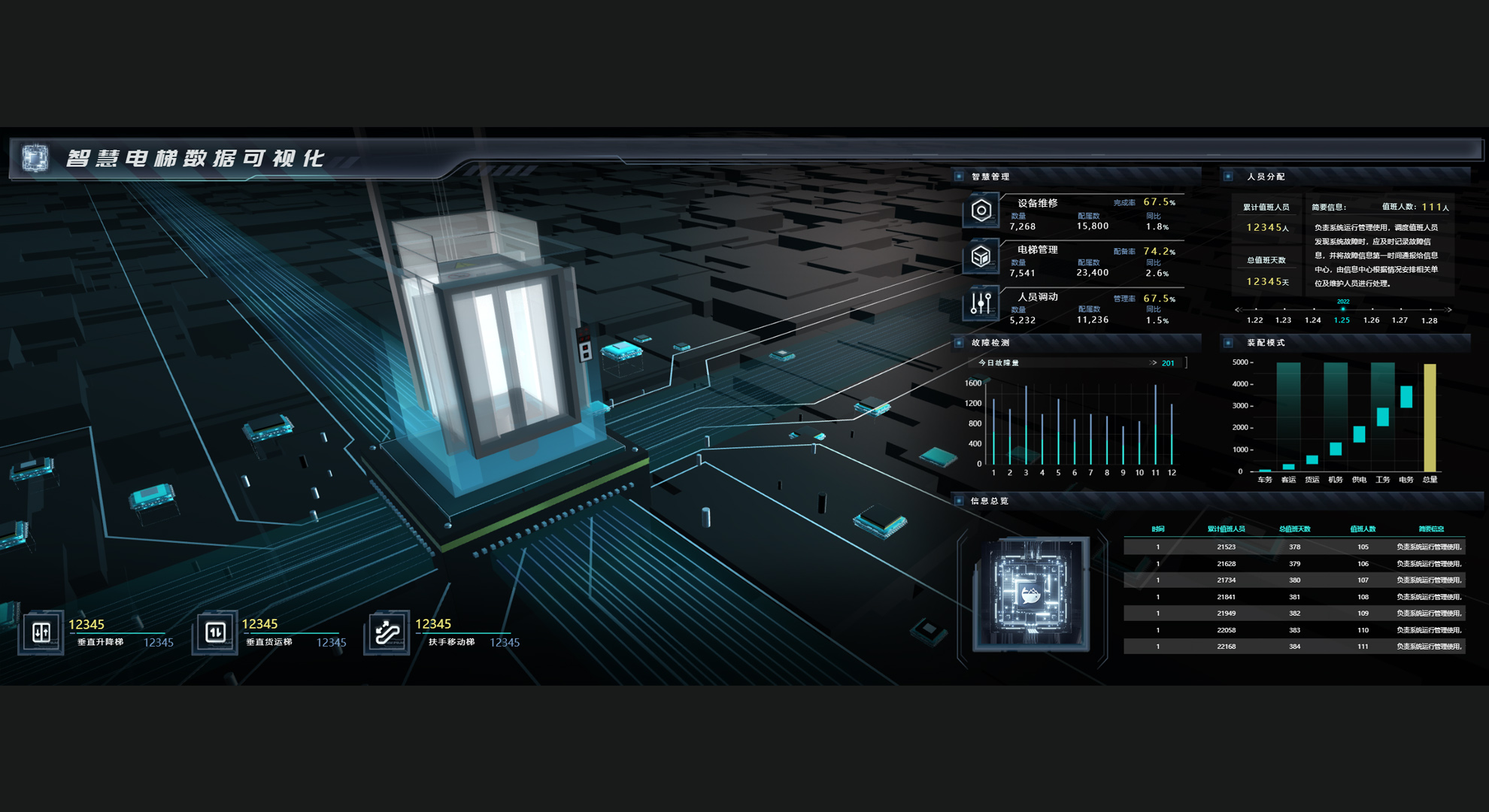
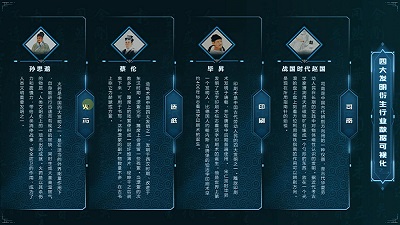
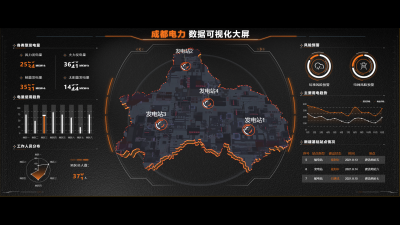
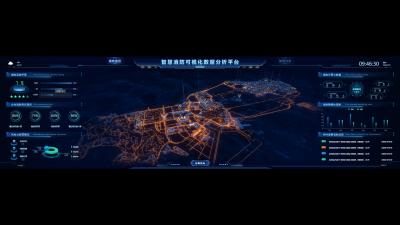
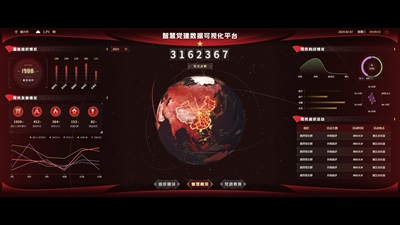
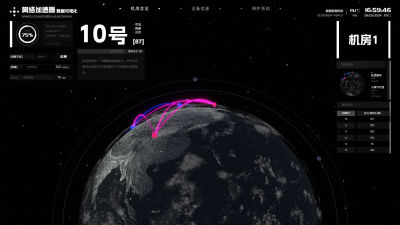
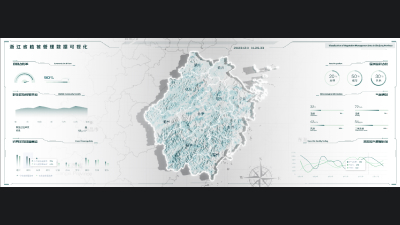
[Function Demonstration] Click Table to Pop Up and Perform Data Linking

Data linkage is used to achieve dynamic connections and synchronized responses between different data elements. When the value of a data element (usually a user interface control, such as a dropdown menu, radio button, text box, etc.) changes, other data elements associated with it will automatically update their content, options, or status to reflect this change.
Author: Wings Engine
Ratio: 16:9
Size: 0.13MB
Updated: 2025-09-19

Notes:

1. Plan-only templates work only while the plan is active. After expiry, the project can no longer be used.

2. If you copy content from a plan-only template into another project, that project also needs the same plan.

Desktop Client
Edit locally Local & secure No browser limits Switch to LAN SaaS
Download Client